OpenClaw at work and at home
OpenClaw feels like it’s already past the hype. Everyone has moved on to the new Hermes agents and the rest. But it was only at the end of July that I finally saw the point of this thing, set it up, and have been using it ever since.
This article is a short report on my experience.
Setting up the environment
OpenClaw is originally promoted as a local solution. Running it locally on my own machine was, of course, not something I wanted. So mine runs on a VPS. That gives me a couple of things at once. First, at least some isolation. Second, availability 24/7, not only when I’m at the computer.
I configure the whole thing with Claude Code — where would I be without it. I keep two private git repositories on GitHub. The first holds the Ansible for provisioning the VPS for OpenClaw, plus the OpenClaw setup itself. The second holds my workspace configs; I’ll get to those below.
The interface
OpenClaw offers many ways to interact with it. By default it’s a gateway, and you can talk to the agent through a browser chat, or through the CLI.
But for this toy that’s no fun. So the very first thing we do, to make it actually usable, is wire up a Telegram bot integration.
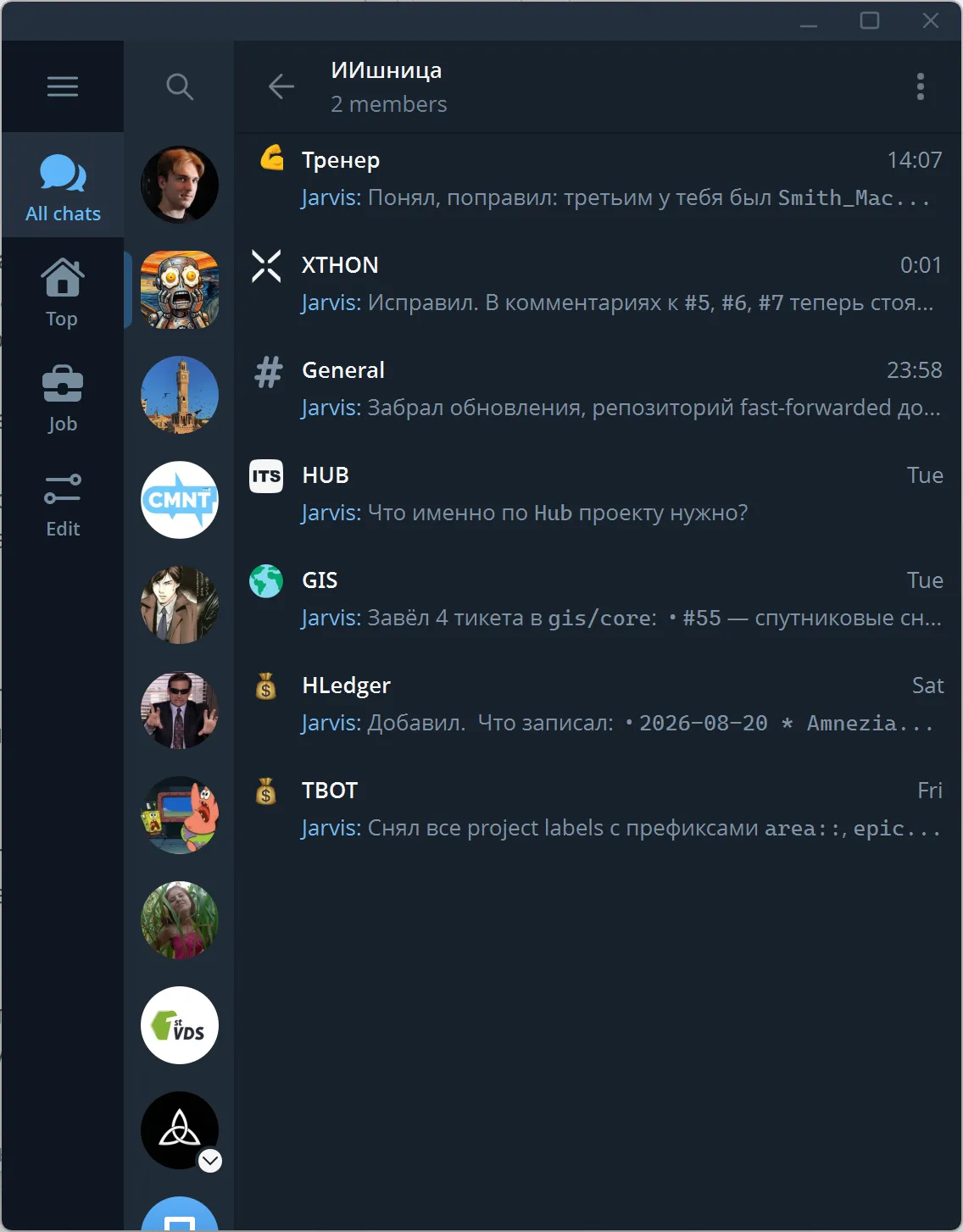
And that’s not the limit either. Almost immediately I needed to separate contexts. A Telegram group works great for that. Right now it looks something like this: a Telegram group with two members — me and my bot. Inside the group, a separate topic for each task I’m working on.
My use cases
1. A proxy between chats and the issue tracker
In the first use case I have several work projects set up at once. Each project gets its own thread in the Telegram group. The idea is this: I have integrations with Telegram, with Google Chat, and with GitLab over the API. And my agent can collect information from the chats and move it into GitLab issues, for example.
2. A personal trainer
If you train for results, you probably need a personal trainer. My training is strength work, 30–40 minutes twice a week, in a gym with no fancy machines. The core values are consistency and lowering the internal resistance to going at all.
I downloaded an open exercise database, loaded in my own parameters, and now the agent hands me a plan for the next session and keeps track of the results.
Again, the main value for me is the absence of resistance to going to the gym. I don’t think about what I’m doing today — the “randomizer” decides for me.
3. A front end for hledger
There are plenty of great applications that run from the command line. Recently, for instance, I moved my personal finances from Excel to hledger.
The main drawback of programs like that is a fairly heavy interface. At minimum you have to know which commands exist and stick to a particular format.
With the agent I don’t have to think about the format — I just describe expenses and queries in plain words. The agent knows the command syntax from training, and when it doesn’t, it can grep the man pages.
What about the money
The whole thing runs on a 2x4 server. It could probably run on weaker hardware. I pay for a VPS, but in principle you could host it at home on an old laptop. That would be free entirely.
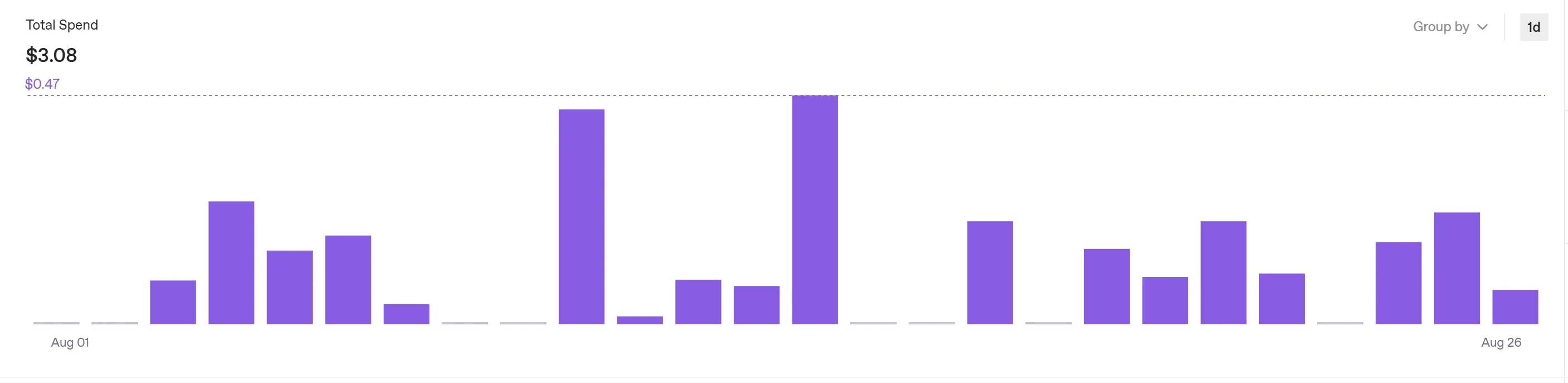
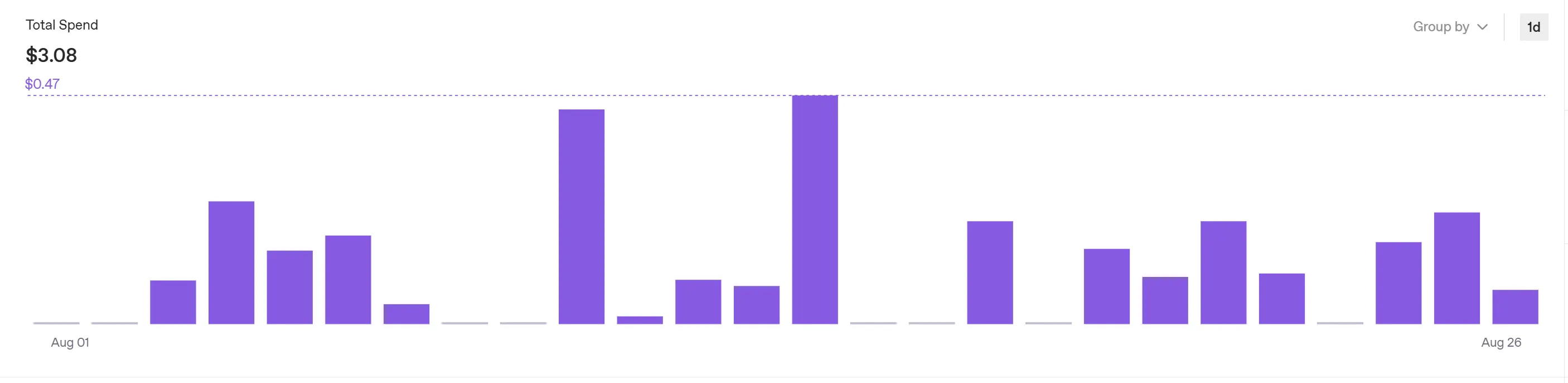
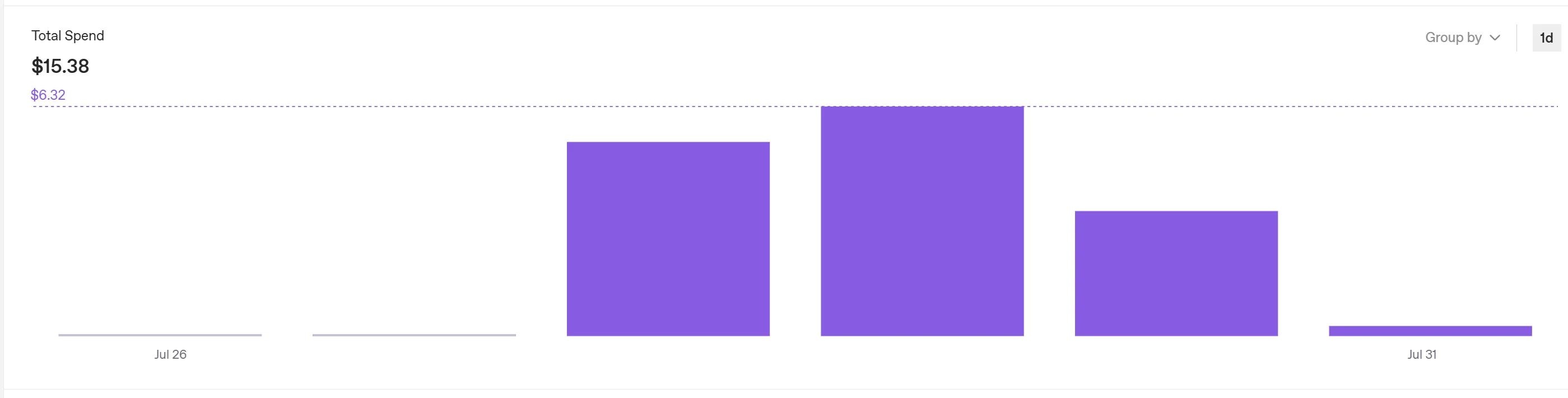
On tokens: I use OpenAI. At first the spend was brutal, roughly five bucks a day. That’s unacceptable. But after some careful tuning it got fine. Yes, I don’t use the fancy models, but my tasks don’t call for them.
Here’s the spend before optimization — $15 over four days of not particularly active use.
And here it is after. Three bucks for 26 days of August.